




Description & Overview
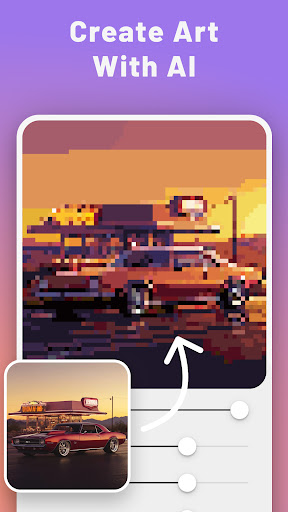
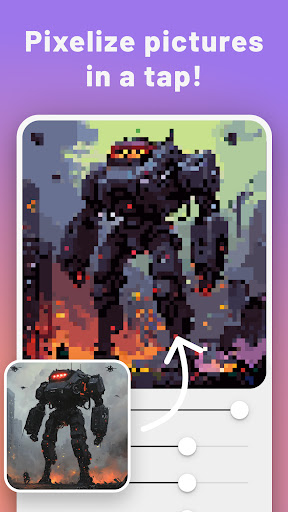
PixelMe turns your photos into pixel art avatars, portraits, and camera-style 8-bit artwork in a few taps.
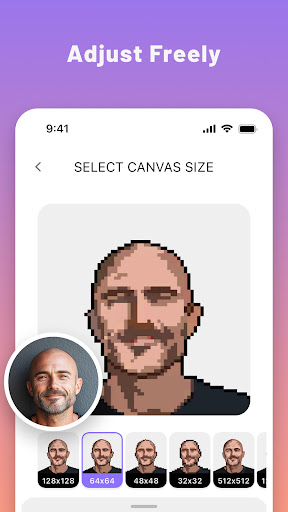
If you want to convert a selfie, pet, or photo into pixel art without learning a complex editor, PixelMe gives you a fast starting point and easy tools for cleanup.
What you can do with PixelMe:
- Turn photos into pixel art with AI
- Create game-style avatars and pixel portraits
- Edit colors and details after the first conversion
- Save and share your pixel art quickly
- Explore camera, avatar, creator, and editor use cases in one app
PixelMe is best when you want a simple pixel art tool that feels faster than starting from a blank canvas. It works well for profile images, game-style avatars, social posts, and playful 8-bit art experiments.
Download PixelMe and turn your next photo into pixel art.